When you buy something for the business, how you claim it comes down to the price of the asset, excluding GST. If that’s $1,000 or less, it’s simple — you claim the GST portion on your next GST return (if you’re registered), and the rest goes down as a general business expense in the same year you bought it. Both are scaled to how much you actually use it for business. That $1,000 test is always the full price of the asset, excluding GST — not the portion you’re claiming.
Once the price (ex-GST) goes over $1,000, the GST is still claimed the same way — the business-use portion, upfront, on the full price. But the asset itself can’t be written off in one hit. It has to be depreciated instead, spread out over its useful life. How much you claim each year depends on whether it’s new or second-hand, what depreciation category it falls into, and whether you’re using the straight-line method or diminishing value.
Under $1,000: a laptop for $900 + $135 GST ($1,035 total), used 100% for business. Claim the $135 GST on your GST return, and the full $900 straight away.
Over $1,000 (the car): a car for $40,000 + $6,000 GST ($46,000 total), 80% business use. Claim 80% of the $6,000 GST = $4,800 upfront. The $40,000 gets depreciated over several years, and each year you only claim 80% of that year’s depreciation. (Vehicles have their own running-cost rules on top of this — see the home office & vehicle guide for those.)
1. Revenue expense, or capital asset?
IRD splits business spending into two kinds, and which side something falls on decides how — and when — you get to claim it.
- Revenue expenses — the ordinary running costs of the business: stationery, software subscriptions, materials, fuel. Claimed in full, in the year you paid them.
- Capital assets — something you buy that keeps earning its keep for more than a year: a laptop, tools, machinery, office furniture, a work vehicle. You don’t get to claim the whole cost at once — instead you claim a portion of it each year, for as long as it’s still losing value. That’s depreciation.
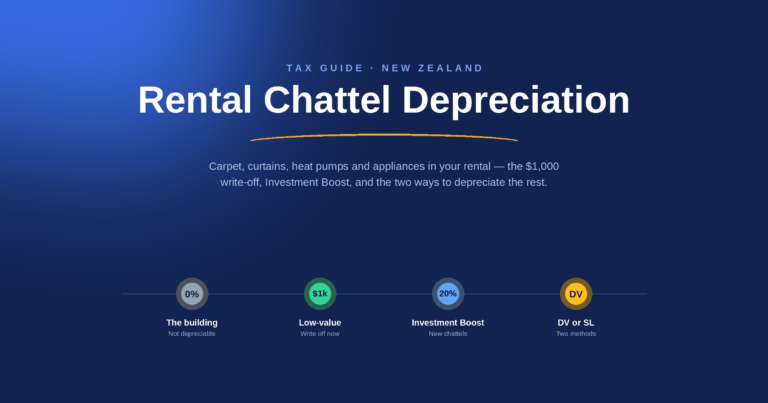
The building a home office sits inside is its own separate case — it doesn’t depreciate at all for tax purposes, at 0%, whether you own or rent. That’s covered in the home office & vehicle guide, not here. This guide is about everything removable and separate that you’ve bought for the business — equipment, tools, computers, furniture and the like.
2. Assets costing $1,000 or less
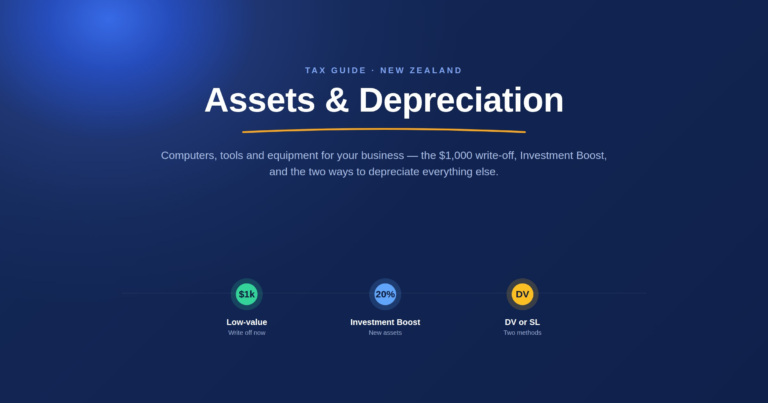
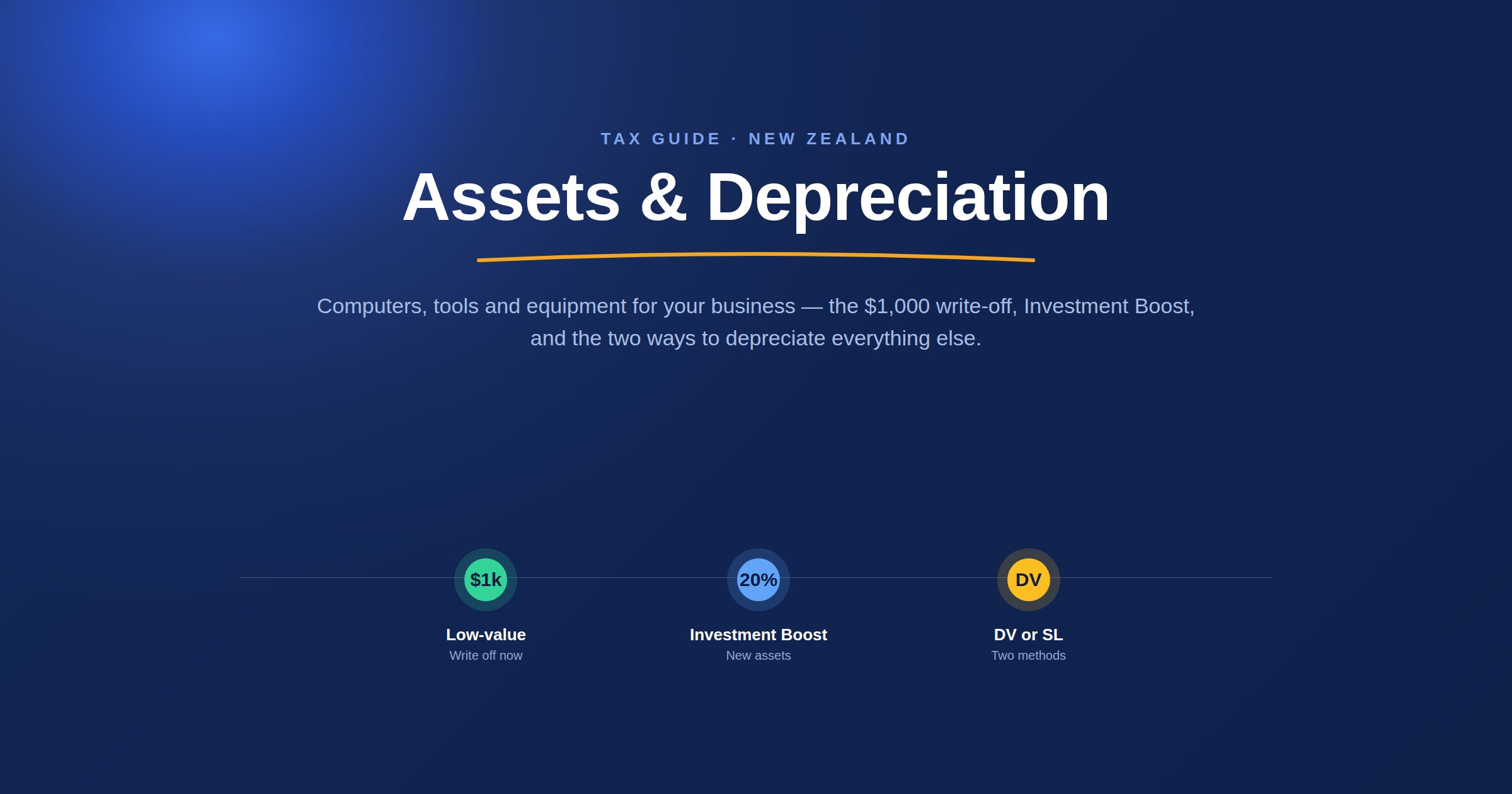
Cheaper items skip the whole multi-year process. For any asset costing $1,000 or less— excluding GST, if you’re GST-registered — IRD lets you use the low-value write-off: the entire cost is claimed as a single deduction in the year you buy it, and there’s nothing further to track for that item afterwards.
3. Investment Boost — an extra 20% for new assets
For a genuinely new (or new-to-New-Zealand) asset first used in the business on or after 22 May 2025, there’s an extra deduction on top of ordinary depreciation: 20% of the cost, claimed immediately in the year you buy it. The remaining 80% then depreciates normally from there, using whichever method — diminishing value or straight line — you’d otherwise use.
Example: a new $3,000 laptop, bought after 22 May 2025. $600 (20%) is claimed immediately as Investment Boost. The remaining $2,400 becomes the depreciable base, and depreciates from there exactly like any other asset — at 50% diminishing value, that’s a further $1,200 in year one, for $1,800 claimed in total on a $3,000 purchase before the year’s even out.
Investment Boost doesn’t apply to everything, though:
- Second-hand assets bought within New Zealand don’t qualify — only genuinely new items, or ones brought into NZ for the first time, count.
- Residential rental buildings and most fixed-life intangible assets (like patents) are excluded too.
- If you do claim it, you have to depreciate the asset — you can’t claim the Investment Boost and then also elect the asset as non-depreciable.
In the app, this is the “Is this a new (or new-to-NZ) item?” toggle on the asset form — tick it and the 20% is worked out and applied automatically, with the remaining 80% carried forward as the depreciable base.
4. Diminishing value vs straight line
Once an asset is past the $1,000 threshold, you pick one of two standard methods. Both spread the same total cost out over the asset’s life — they just do it in different shapes.
Diminishing value (DV)
The rate applies to whatever value is left each year, so claims start bigger and taper down over time.
Straight line (SL)
The rate applies to the asset’s original cost every year, so the claim stays exactly the same each year until it runs out.
Worked example: $3,000 of second-hand computer equipment (second-hand, so no Investment Boost here — a clean way to see DV and SL on their own), at the app’s Computers & laptops starting rates of 50% DV and 40% SL.
Diminishing value
| Year | Calculation | Claim | Value left |
|---|---|---|---|
| Year 1 | 50% × $3,000 | $1,500 | $1,500.00 |
| Year 2 | 50% × $1,500 | $750 | $750.00 |
| Year 3 | 50% × $750 | $375 | $375.00 |
| Year 4 | 50% × $375 | $187.50 | $187.50 |
| Year 5 | 50% × $187.50 | $93.75 | $93.75 |
Each year’s claim is calculated against whatever value is still left — not the original $3,000 — which is what makes the claims shrink every year. Left running, it keeps shrinking by 50% a year and never quite reaches zero on its own.
Straight line
| Year | Calculation | Claim | Value left |
|---|---|---|---|
| Year 1 | 40% × $3,000 | $1,200 | $1,800.00 |
| Year 2 | 40% × $3,000 | $1,200 | $600.00 |
| Year 3 | Only $600 left | $600 | $0.00 |
Same item, same $3,000 cost — but with straight line, 40% of the original cost is claimed every year, so the claim doesn’t move until year 3, when only $600 of value is left and the claim is capped there instead of the usual $1,200. Straight line always finishes cleanly at exactly $0 — here, in under three years, while the same item under diminishing value is still sitting at $93.75 after five.
Neither method is a recommendation over the other — the app supports both, and this is a description of the mechanics, not advice on which to pick.
A few common starting rates
These are the same starter suggestions offered in the app’s asset form — editable one-click fill-ins, never enforced. IRD’s real rates are specific to an asset’s exact description, so treat these as a starting point and verify against IRD’s Rate Finder for anything that matters.
| Category | DV rate | SL rate |
|---|---|---|
| Computers, laptops & similar | 50% | 40% |
| Tablets & smartphones | 67% | 67% |
| Hand & power tools | 67% | 67% |
| Office furniture & fittings | 16% | 10.5% |
| Motor vehicles (cars, utes, vans) | 30% | 21% |
Vehicles use this same depreciation engine, just on their own register with their own running-cost rules on top — see the home office & vehicle guide for the rest of what applies to a vehicle specifically.
5. Business-use % — when it’s not 100% business
Some assets are used entirely for the business — a table saw, a till. Others aren’t — a laptop or tablet you also use personally, say. When that’s the case, only the business-use share of the deduction is claimable, same principle as the home office and vehicle percentages: the underlying cost isn’t split, only the final deduction is.
A $2,000 tablet used 70% for the business only lets you claim 70% of each year’s depreciation — and 70% of the Investment Boost too, if it qualifies. In the app, this is a plain editable percentage on the asset (100% by default), and every year’s deduction is scaled by it automatically — nothing to recalculate by hand.
6. GST and depreciation
If you’re GST-registered and you’ve already claimed the GST back on an asset purchase through your GST return, depreciating the full GST-inclusive cost as well would claim that same GST content twice. The app handles this automatically: for a GST-registered business, an asset marked as GST-claimed has its GST content stripped out first, so depreciation only ever runs on the GST-exclusive cost. If you’re not GST-registered, or didn’t claim GST on that particular purchase, the full real cost depreciates as normal — nothing changes for you either way.
7. Selling or scrapping an asset
When an asset is sold, scrapped, or otherwise disposed of, whatever value was still left on it (its adjusted tax value) gets compared against what you actually got for it:
- Sold for MORE than its remaining value — the difference counts as taxable income (you’re effectively giving back some of the depreciation you already claimed). This recovery is capped at the asset’s original cost — IRD never taxes a recovery above what you actually paid for it, only above its adjusted tax value.
- Sold for LESS (or scrapped for $0) — the shortfall is an extra deduction instead.
Example: continuing the $3,000 computer equipment from above, three years in its book value is $375. Sell it for $600 and $225 counts as taxable income. Sell it for $200 instead and $175 becomes an extra deduction.
How Barnaby helps
Rather than running any of this by hand on a spreadsheet, Barnaby keeps an asset register for each business, under Business → Assets (vehicles get their own, identical register under Business → Vehicles).
Adding an asset asks for exactly what the calculation above needs, once:
- Name and cost
- Purchase date, and whether it’s a new (or new-to-NZ) item — for Investment Boost
- Method — low-value write-off, diminishing value or straight line — with one-click rate suggestions for common categories
- Business-use % (100% by default)
- Whether GST was claimed on the purchase, if the business is GST-registered
If the purchase was already entered as an ordinary transaction before you added it as an asset, the form spots the likely match and offers to link them instead of double-counting it as a separate deduction.
From there, the register shows every asset’s deduction and remaining book value for the current financial year, worked out live — the same figure that feeds straight into the business’s income tax return without you re-entering it anywhere.
See it for yourself
Track assets, GST, income tax and ACC in one place, alongside a rental property if you have one.
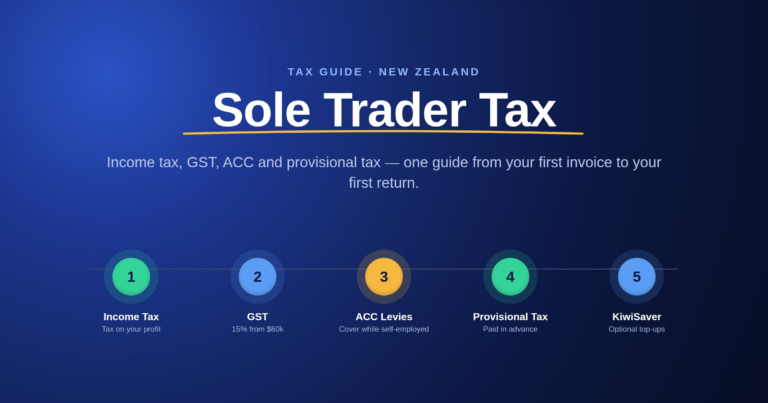
Get startedWant the bigger picture first? Read the full Sole Trader Tax in New Zealand guide, which covers income tax, GST, ACC and provisional tax together.
This is general information, not personalised advice. Rates, thresholds and rules above are current as of September 2026, and they change most years — always check current figures at ird.govt.nz or with an accountant before relying on them for a real decision.